SLVUCF5A March 2022 – August 2022 DRV8329
6.1 Connecting to the DRV8329AEVM-GUI
Follow the instructions in Section 5 and ensure the LAUNCHXL-F280049C is connected to the PC. Turned on the supply to power the DRV8329AEVM and LAUNCHXL-F280049C.
Access the Gallery and search for "DRV8329" as shown in Figure 6-1. Click on the GUI for the variant.
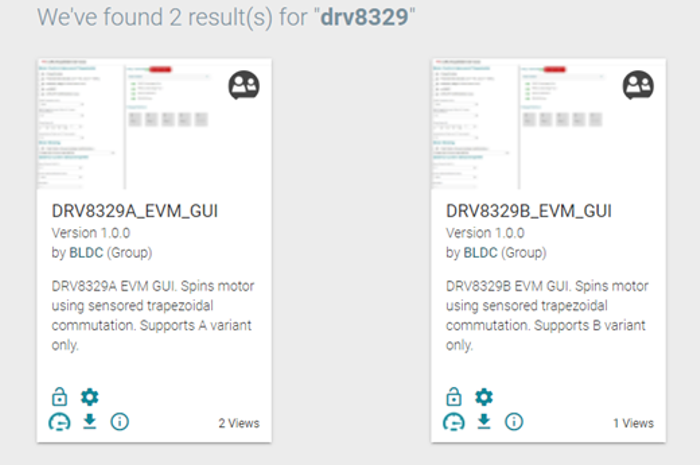 Figure 6-1 DRV8329A_EVM_GUI and DRV8329B_EVM_GUI on the Gallery
Accept the readme that appears. The GUI will detect the LAUNCHXL-F280049C and automatically download the program into the MCU. Once complete, the “Hardware Connected” message appears at the bottom left hand corner as shown in Figure 6-2.
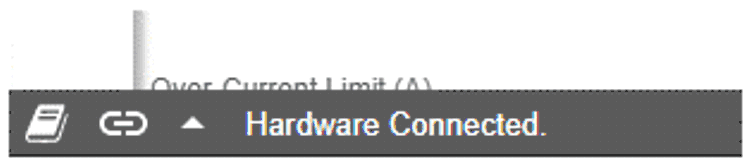 Figure 6-2 Hardware connected message
The following defaults should appear as shown in Figure 6-3 when the GUI is connected:
Direction – Enabled
PWM Frequency (Hz) – 20000
MCU Dead Time (ns) – 0
Acceleration Delay (ms/1% duty cycle) – 50
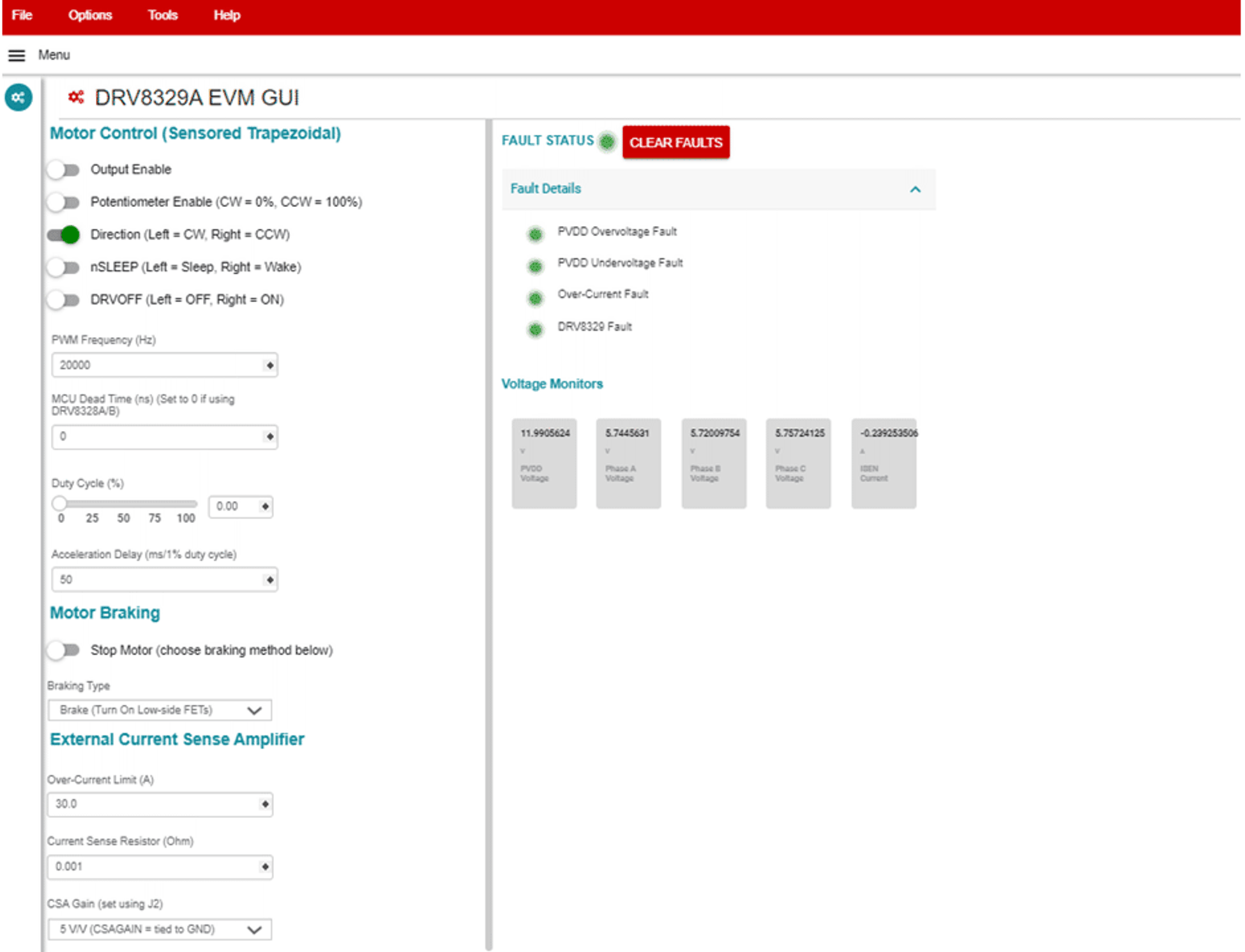 Figure 6-3 DRV8329A_EVM_GUI defaults when connected