SLVUDG9 September 2025
- 1
- Description
- Get Started
- Features
- Applications
- 6
- 1Evaluation Module Overview
- 2Single-Wire_MEM_EVM_GUI Software
- 3TMF00XXEVM Hardware Overview
- 4Updating Firmware
- 5Hardware Design Files
- 6Additional Information
- 7Related Documentation from Texas Instruments
2.3.4.2.3 Load from File
The Load from File button, shown in File Load Process, is used to load in a .csv file into the table. This can only be accessed once a device has been selected. Once the file dialog is opened, the user can select a .CSV file to load into the Memory Table.
 Figure 2-13 File Load Process
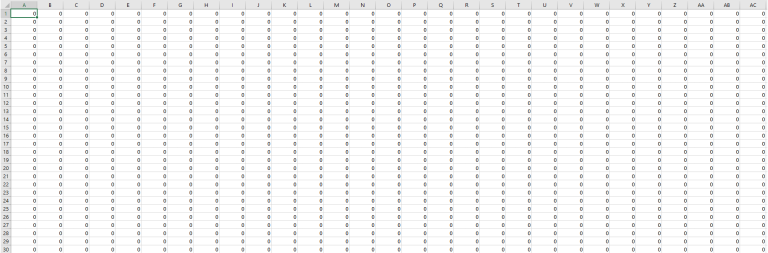 Figure 2-14 Example .CSV File Loaded in Spreadsheet
Software
Figure 2-14 Example .CSV File Loaded in Spreadsheet
Software| Error | Explanation |
|---|---|
| Please select a device before loading from file | Device must be selected before populating table. Press Search Devices and then load from file. |
| Loaded csv file does not match memory map dimensions [col]/[row] | The loaded file contains a special character in a data cell, or the table loaded did not match the dimensions of the memory space of the device. Edit the CSV in a spreadsheet application and reload after fixing. Make sure CSV loaded was for the right type of memory. For example, BQ2026 files does not load for a TMF0008 device. |