SLUU535A September 2011 – January 2022
- 1 Introduction
- 2 Description
- 3 Electrical Performance Specifications
- 4 Schematic
- 5 Test Setup
- 6 EVM Configuration Using the Fusion GUI
- 7 Test Procedure
- 8 Performance Data and Typical Characteristic Curves
- 9 EVM Assembly Drawing and PCB Layout
- 10List of Materials
- 11Revision History
6.2 Fusion GUI Screenshots
 Figure 6-1 Screenshot 1: First Screen Upon Launching Fusion Software (Version may not match)
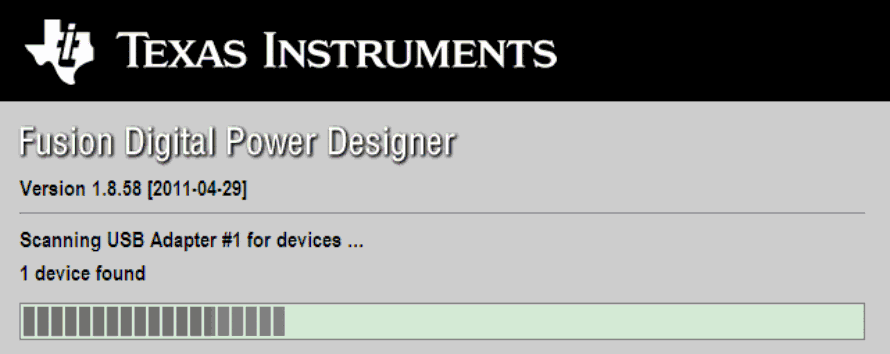 Figure 6-2 Screenshot 2: Fusion Successfully Recognizes the Device on EVM
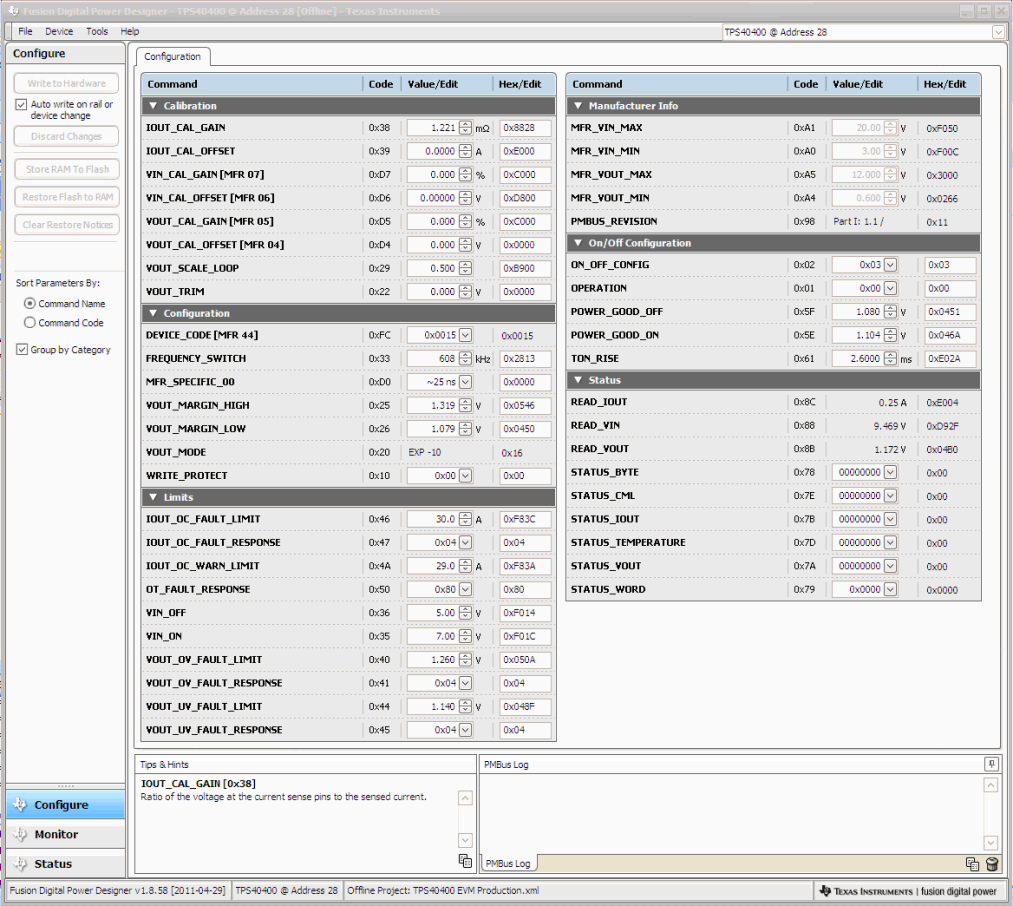 Figure 6-3 Screenshot 3: First Functional Screen, Configure Screen
Note:
Most of these parameters are configurable. Consult the datasheet for the TPS40400 for details on how to configure the device to achieve the desired performance.
CAUTION:
Some parameters can be configured to values that can result in erratic or unexpected behavior on this EVM. Consult the TPS40400 datasheet for guidance in configuration of parameters.
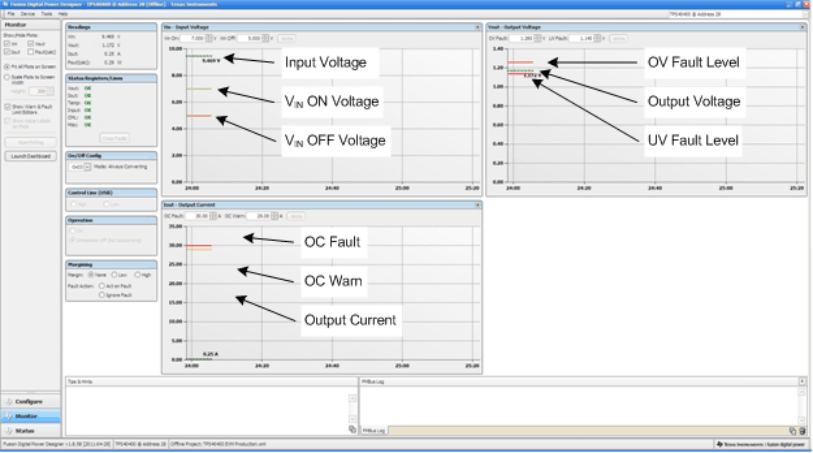 Figure 6-4 Screenshot 4: “Monitor” Screen