TIDUF42 January 2024
4.3 Test Setup
This section provides instructions for how to load and run the test software:
After importing and building the
system project, the executable binary files for R5F_0_0, R5F_0_1 and R5F_1_0 appear
in the CCS workspace directory:
C:\ti\ccs_ws_1250_am243x_mcsdk_09.01.00.01
- Connect to the target AM243x LP using the target configuration file
- Load and Run Motor Control 1 – R5F_0_0
- Halt R5F_0_0
- Load and run single_chip_servo_am243x-lp_r5fss0-0_nortos_ti-arm-clang
- Motor 1 is supposed to
start spinning at 120 RPM
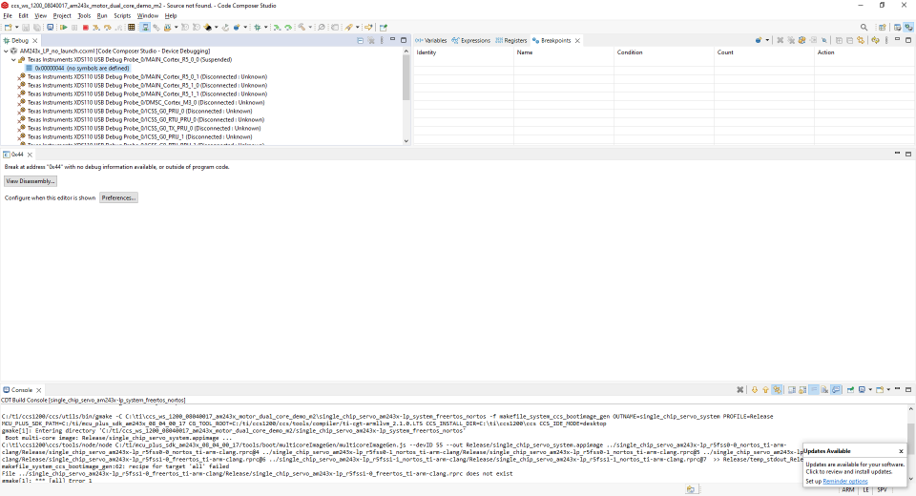 Figure 4-8 Connect to R5F_0_0
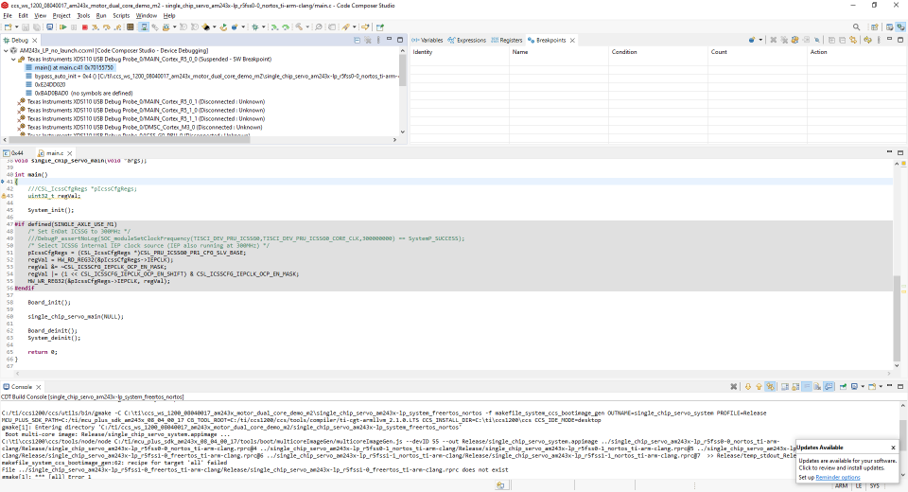 Figure 4-9 Load and Run the R5F_0_0
- Load and Run Motor Control 2 – R5F_0_1
- Halt R5F_0_1
- Load and run single_chip_servo_am243x-lp_r5fss0-1_nortos_ti-arm-clang
- Motor 2 is supposed to
start spinning at 120 RPM
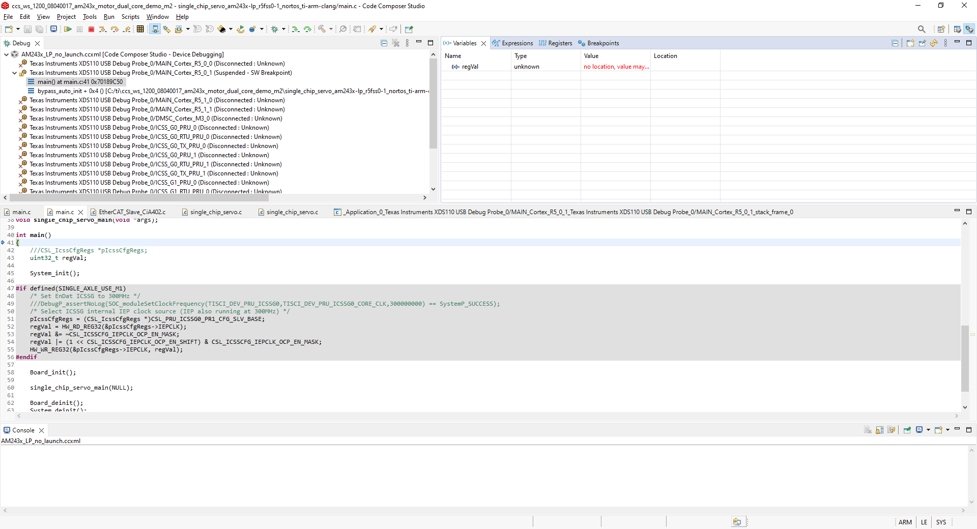 Figure 4-10 Load and Run the R5F_0_1
- Load and Run EtherCat CiA402 Client – R5F_1_0
- Halt R5F_1_0
- Load and run
ethercat_slave_cia402_demo_am243x-lp_r5fss1-0_freertos_ti-arm-clang - The EtherCat CiA402
client device is now ready to be detected by TwinCAT (PLC)
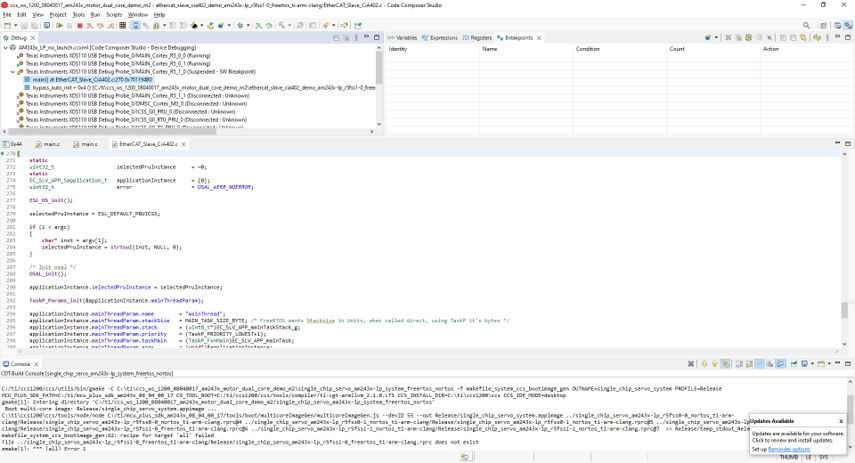 Figure 4-11 Load and Run the R5F_1_0