SBAU294A July 2020 – January 2023
3.6 Configure HSDC Pro and Capture Data
Use the following steps to configure the HSDC Pro and Capture Data
Open the HSDC Pro Software
Click the OK button to confirm the serial number of the TSW1400EVM
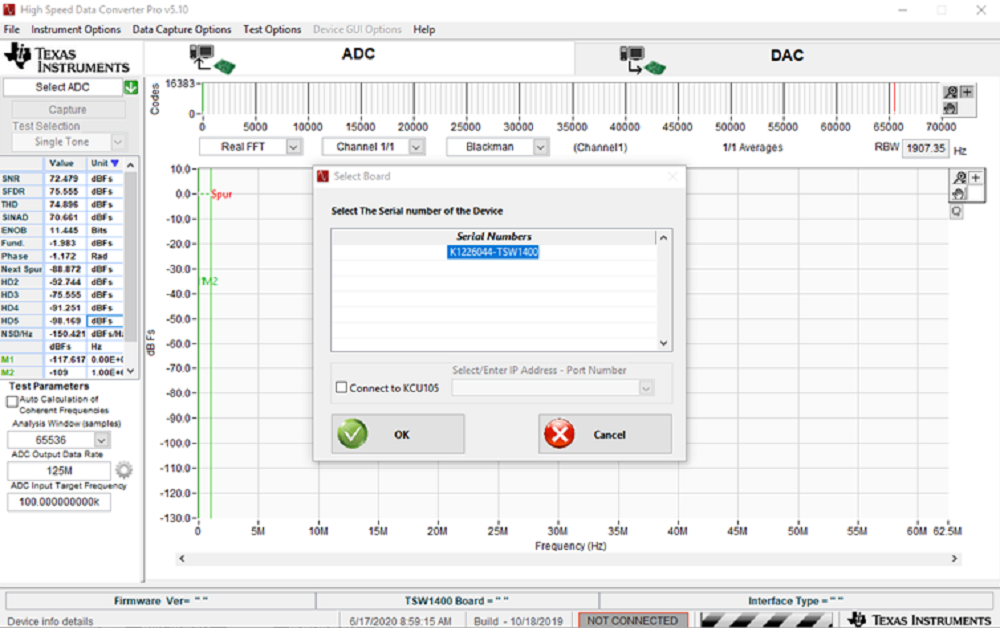 Figure 3-2 HSDC Pro: TSW1400EVM Acknowledgment.
Select ADC3543_14W_14bit_SDR from the ADC select drop-down in the top left corner
When prompted, click the Yes button to update the firmware
Enter “10M” in ADC Output Data Rate
Click the Capture button to initiate data capture
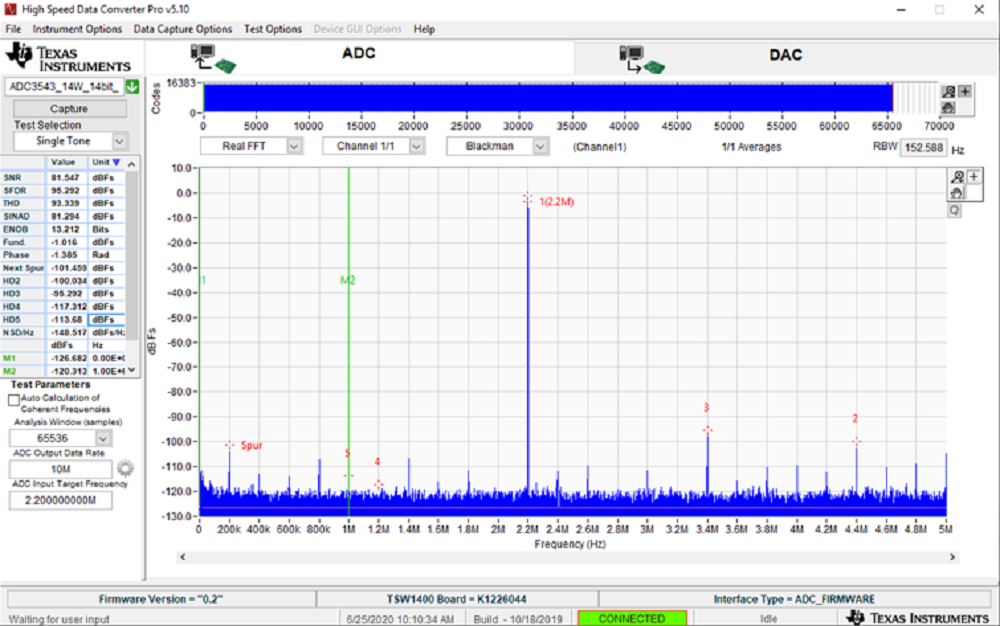 Figure 3-3 HSDC Pro: Data Capture.