SLAU813A September 2019 – October 2020 TPA6304-Q1
- Trademarks
- 1Required Equipment and Accessories:
- 2Hardware Overview
- 3Software Overview
- 4TPA6304-Q1 Start Up
- 5Board Layout, Schematic and Bill of Materials
- Revision History
3.1 PurePath™ Console 3 (PPC3) Access and Description
PPC3 is a server-based tool. Request access at PUREPATHCONSOLE: PurePath Console Graphical Development Suite for Audio System design and Development. Once approval is given, download the software from Texas Instruments mySecure Software site.
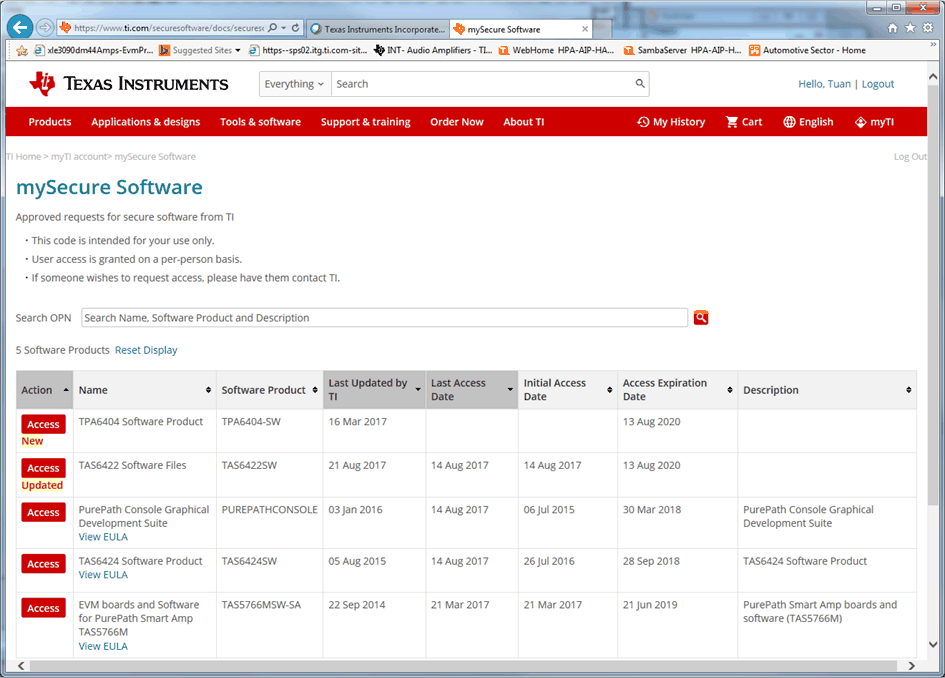 Figure 3-1 PPC3 Download Window
Run the installation program. Also download the PPC3 User Manual (slou408) for further instructions.
Figure 3-2 shows the window displayed when first running PPC3. Click Sign in to see TPA6304 EVM application.
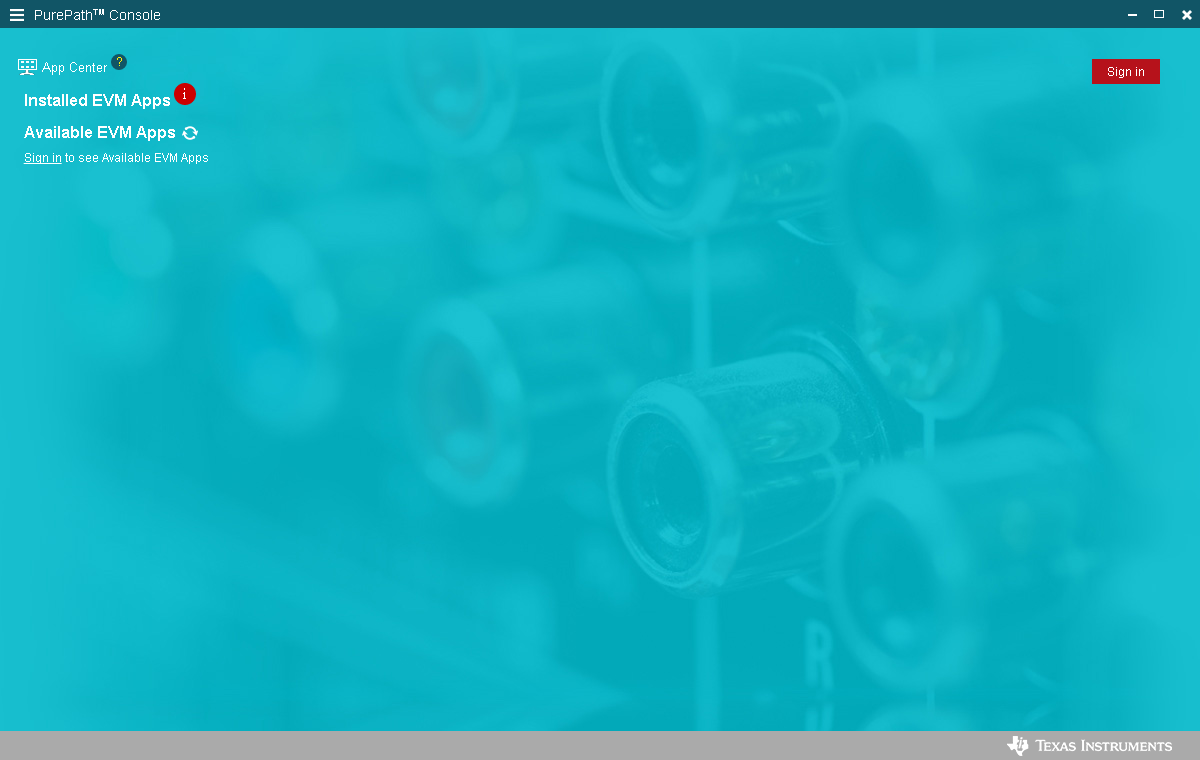 Figure 3-2 PPC3 Window
Different Apps might be displayed in Figure 3-3 depending on the user's access.
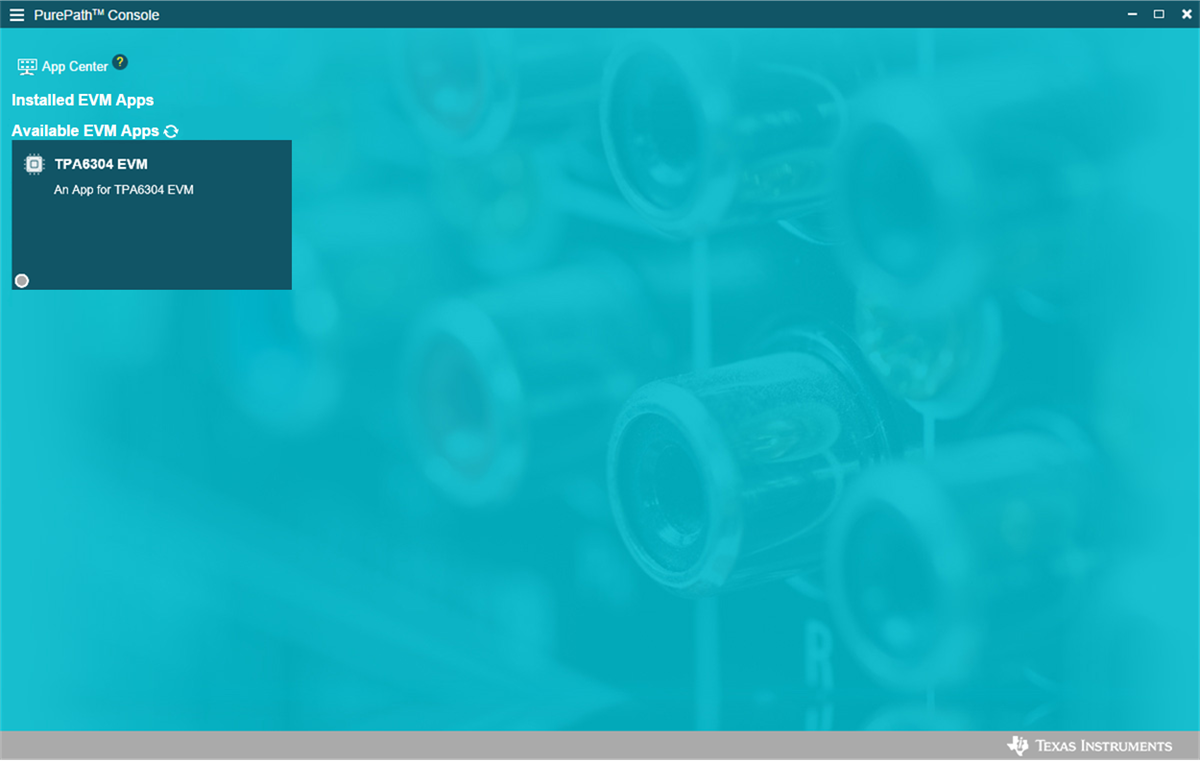 Figure 3-3 Available Apps Window
Click the TPA6304 EVM App box to download the TPA6304-Q1 application. An Installation window appears, next click Install. Figure 3-4 shows the downloading progress of the application.
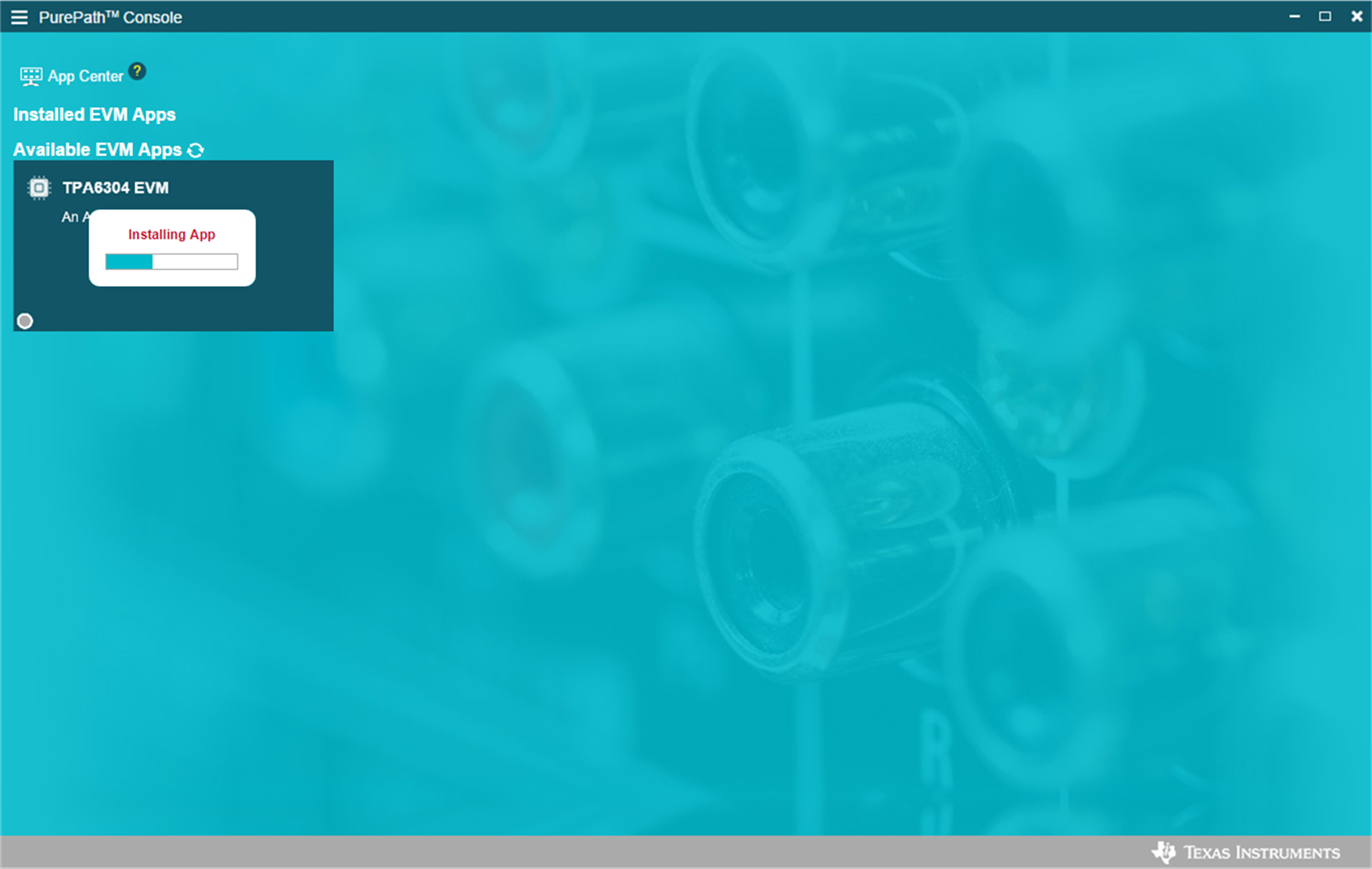 Figure 3-4 PPC3 Downloading App
The TPA6304 EVM box appears in the Installed EVM Apps section, see Figure 3-5. Click the TPA6304 EVM box to launch the TPA6304 EVM App.
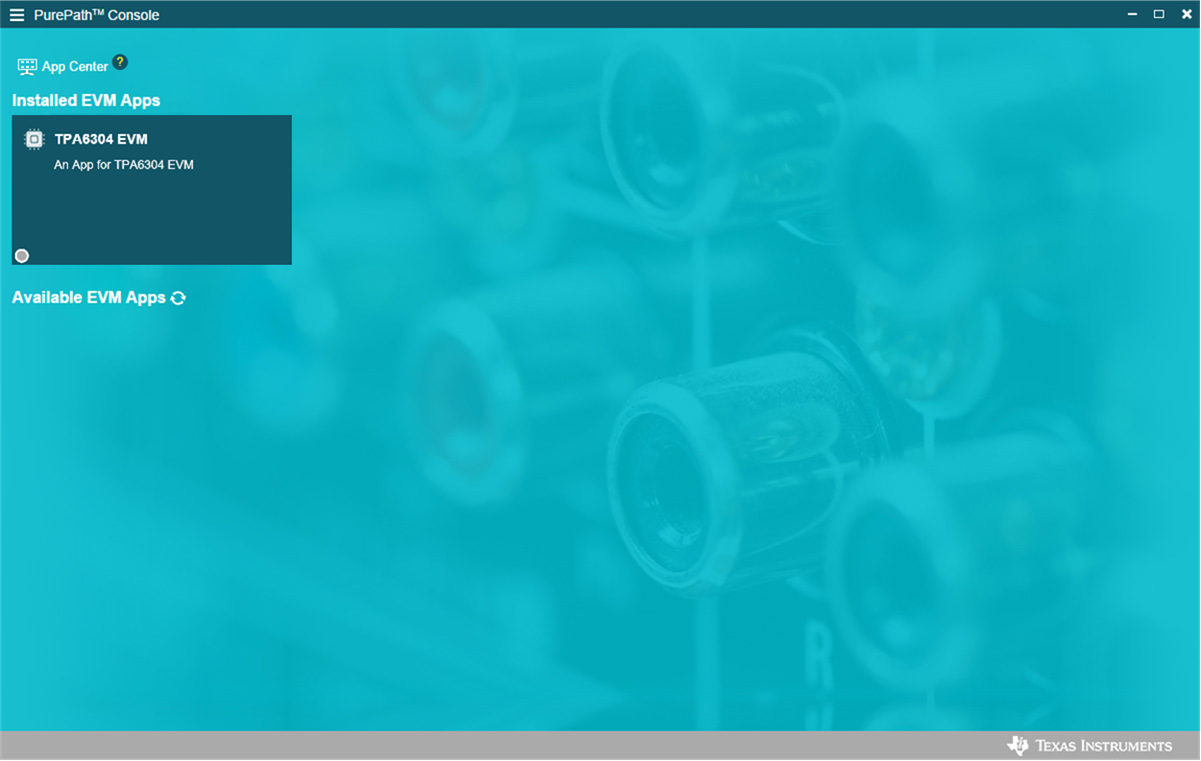 Figure 3-5 PPC3 Installed Apps