SWRA446 February 2015 CC1310 , CC1310 , CC2620 , CC2620 , CC2630 , CC2630 , CC2640 , CC2640 , CC2640R2F , CC2640R2F , CC2640R2F-Q1 , CC2640R2F-Q1 , CC2650 , CC2650 , CC2650MODA , CC2650MODA
6.3 Load the Image to Target (Windows)
For Windows, the binary image that was generated in the previous section will be loaded to the target using the SmartRF flash Programmer 2 tool.
Load the binary image to the target by running the Flash Programmer tool: Run → External Tools → External Tools Configurations ... . Select Flash program under 'Program' in the left side panel and click 'Run'. The console output should be similar to the output shown in Figure 18.
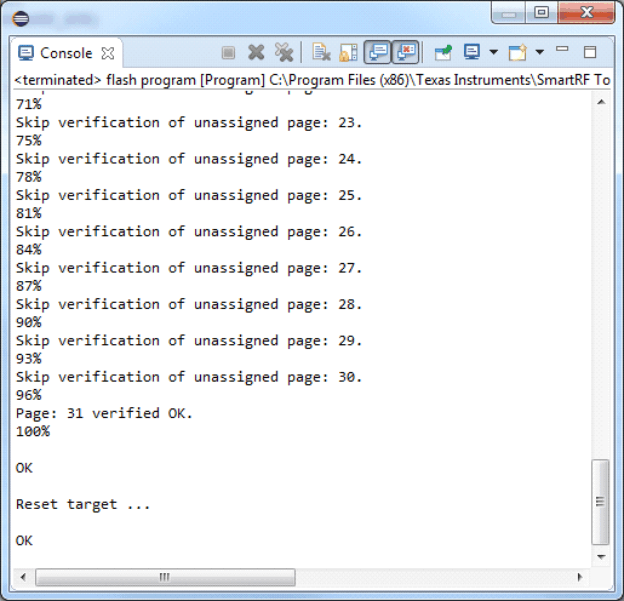 Figure 18. Load the Image to Target (Windows)