SBAU427 July   2025 ADS131E08


  1.   1
  2.   Description
  3.   Get Started
  4.   Features
  5.   Applications
  6.   6
  7. 1Evaluation Module Overview
    1. 1.1 Introduction
    2. 1.2 Kit Contents
    3. 1.3 Device Information
    4. 1.4 Specification
  8. 2Hardware
    1. 2.1 EVM Analog Inputs
    2. 2.2 Power Supplies
    3. 2.3 ADC Connections and Decoupling
    4. 2.4 Voltage Reference
    5. 2.5 Op Amp Common-Mode Bias
    6. 2.6 Digital Interface
    7. 2.7 EEPROM
  9. 3Software
    1. 3.1 Software Description
    2. 3.2 Software Installation
  10. 4Implementation Results
    1. 4.1 Hardware Connections
    2. 4.2 Optional EVM Configuration
    3. 4.3 GUI Software Operation
      1. 4.3.1 EVM Register Settings
      2. 4.3.2 GUI Settings for ADC Control
      3. 4.3.3 Time Domain Display
      4. 4.3.4 Frequency Domain Display
      5. 4.3.5 Histogram Display
  11. 5Hardware Design Files
    1. 5.1 Schematics
    2. 5.2 PCB Layouts
    3. 5.3 Bill of Materials (BOM)
  12. 6Additional Information
    1. 6.1 Trademarks

PCB Layouts

Figure 5-5 through Figure 5-8 show the PCB layouts for the ADS131E08 EVM.

ADS131E08EVM-PDK PCB Layout for the
                    ADS131E08EVM (Top View) Figure 5-5 PCB Layout for the ADS131E08EVM (Top View)
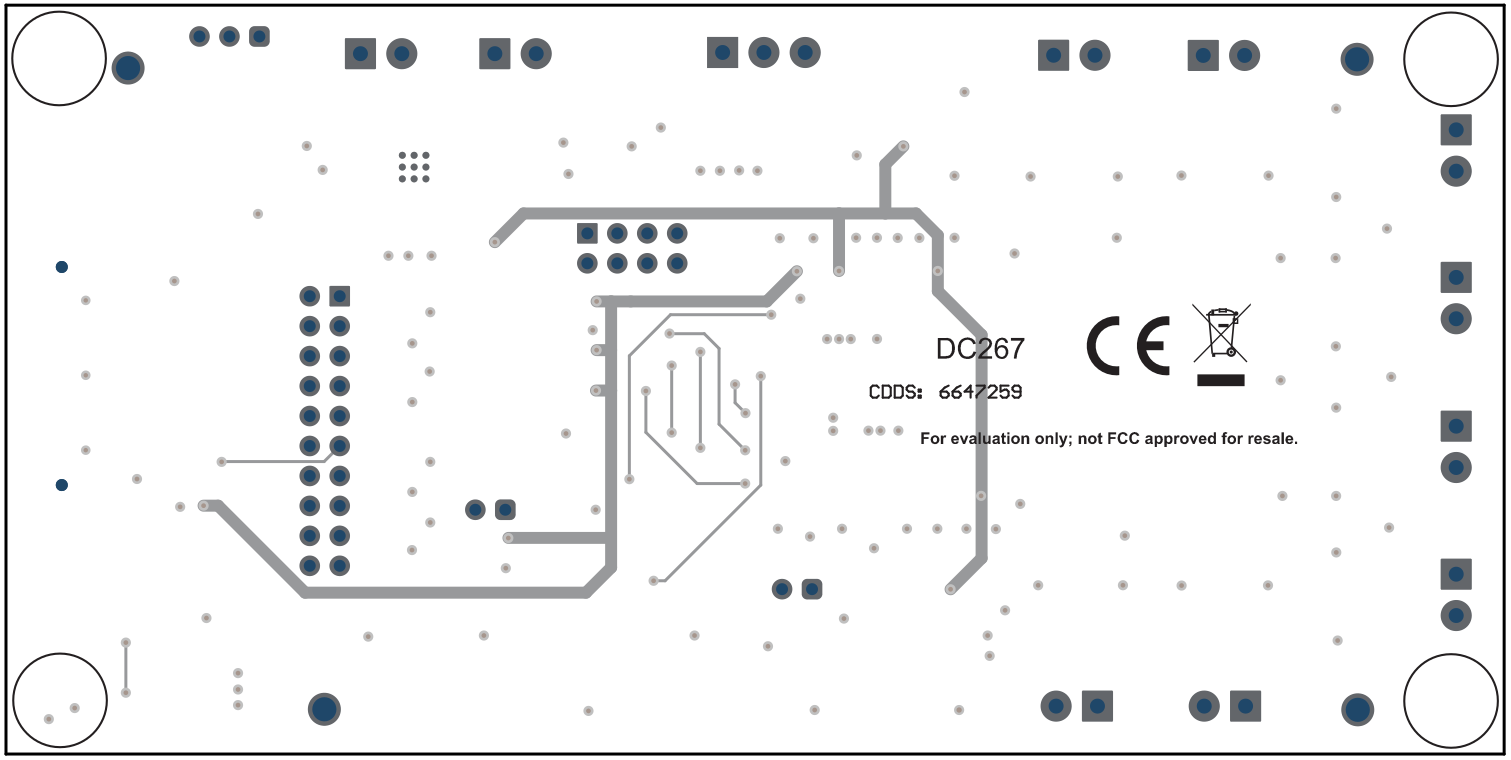
ADS131E08EVM-PDK PCB Layout for the
                    ADS131E08EVM (Bottom View) Figure 5-6 PCB Layout for the ADS131E08EVM (Bottom View)

ADS131E08EVM-PDK PCB
                    Layout (internal AVSS/GND plane 1) for the ADS131E08EVM Figure 5-7 PCB Layout (internal AVSS/GND plane 1) for the ADS131E08EVM

ADS131E08EVM-PDK PCB Layout (internal AVSS/GND
                    plane 2) for the ADS131E08EVM Figure 5-8 PCB Layout (internal AVSS/GND plane 2) for the ADS131E08EVM